The problem when using RPG maker is that it only allows animations up to 3-4 frames, and the helicopter, for example, has waaay more frames, so it's not possible to implement it unless you download some plugins
Having some trouble with the addons pack for the Character Generator. When I export characters using it, it says it can't find the files, but I put them all in the right places.
Hi, this is amazing work, thank you so much for this great bundle! I was wondering if the characters seen on the preview gif scenes on this page were available somewhere in the pack? I have found (and used) a couple of them from the subway scene (musicians, mostly, and patients on stretchers) but I cannot figure out in which file I can find any other random characters to populate my scenes. Are they only in the previews as an example? Thanks in advance!
Hey Player! 95% of the characters you see in the preview gifs are made using the Character Generator Tool you can get withing the paid version (1.5$) of Modern Interiors! <3
I got both this and the Interiors, and in RPG Maker MZ the assets are visible in the editor when I'm using one of the tilesets to make an area, but in playtests they disappear. I've tried many different fixes but so far no luck! Anybody have tips?
I'm getting a message that says " no compatible downloads found" when I try to download the files. I purchased the pack. I google what that error code means, and it means that the files aren't compatible with my OS. I'm using windows, and I figured these types of files probably aren't OS sensitive to begin with. I might be doing something wrong, as this is my first time purchasing something on itch.io. Any idea what I'm doing wrong?
Update: somehow the browser doesn't give this message, so I was able to download, but now I can't figure out how to import them into RPG Maker 2003. Is this compatible with 2003?
Hi, this is a great pack. Thank you for your hard work. I wanted to ask if there are transitions between different shades of brown/dirt tiles? I see Grass to Red Dirt or Grass to Brown Dirt but there is no transition between different shades of Dirt as far as I can tell. Am I missing something or you didn't actually create those? Thanks.
How to implement in Unity? Mine is always blurry and i did everything as recommended: Sprite mode is Multiple, Pixels per unit is 16, Filer Mode is no filter and compression is none.
is there a bicyles or perphaps some roller skates (that would be cool) available so the charachter can bike through the city. i bought all your modern pack to support you and also because they are amazing. also is there some kind of manual. first for me buy assets and getting them into rpg maker
This pack is really great! I just bought the Exterior, Interior, UI, and I'm already enjoying every bit of them. However, i do have some recommendations. For instance: Light Poles facing forward and backward(⬇️ and ⬆️), The grass that is on City Decorations to blend with the grass that is on Terrain and fences, and Bushes. Those would all make the pack perfect!
Thanks! I bought these high quality sprites that I intend to use on my game. Do you have a plan to add other door views (left & right door views)? As all of them are only front/back-facing. :)
hi just bought this ive looked on youtube cant seem to find a video that just explains how to add the tileset to the game database anyone able to explain or give me a link to a good tutorial
I'm trying to find the post office stuff, especially the truck and I think I'm going crazy but I can't find it anywhere. Can you please help me find it in the files? Or was it deleted?
yes that helps a lot, thank you! I was looking in an old version that I had downloaded over a year ago. Stupid brain does stupid things. Have a great day!
Do you have a video on how to use the tile? When i draw the tile, there are some black lines in between tile. is it because of I slice the tile wrong? I already use SpriteAtlas still does not work. Please help me.

← Return to asset pack
Comments
Log in with itch.io to leave a comment.
Hey there!
Do you know where I can find a tutorial on how to import into GameMaker? When I run the game, the tiles are blurry or broken.
Mhhh it’s probably related to your ghapich settings, try turning off the “interpolate colors between pixels” option
cannot find typeset of the guidelines for the outdoor basketball court
foudn everythign else except white outline close to grass
Am i tripping or can i not find this tilesheet specifically the shopping center and the posters on the shopping center
Hey there! <3
The guidelines are in the “2_Terrains_and_fences” tileset
The shopping center is in the “9_Shopping_Center_and_Markets” tileset!
i forgot to mention i cannot find it in the rpg maker mv version folder 48x48 single tiles yes
not rpg maker mv folder
i checked like 9 times im not crazy....
Looking for the broken brown building. I don't see it in the buildings tilesheet.
I've just realized that the building you are talking about was left behind a while ago by mistake, but you can still find it here:
>\Modern_Exteriors_16x16\ME_Theme_Sorter_16x16\Old_Sorting\3_Buildings_16x16
Aren't there any tilesets for RPG Maker MZ? Do I have to manually split them myself?
Hey there, MV and MZ have the same requirments when talking about tilesets conventions!
is it possible to use the animations in the gifs you are using in itch
marketplace in rpg maker mz or is it not possible or should i just use the files meant for rpg maker mv/i want to use the helicopter animation
The problem when using RPG maker is that it only allows animations up to 3-4 frames, and the helicopter, for example, has waaay more frames, so it's not possible to implement it unless you download some plugins
Here's the location!
>Modern_Exteriors_16x16\Animated_16x16\Animated_sheets_16x16
Hi LimeZu, amazing asset pack! I wrote you an email (the one available over YouTube) with a proposal. Just in case you don't check that.
Ohh I'm gonna check it later, thanks Fjonan <3
Thats the best way i ever spent 2.5 dollars in my whole life
Ahahahah thanks a lot Mossy <3
Having some trouble with the addons pack for the Character Generator. When I export characters using it, it says it can't find the files, but I put them all in the right places.
Mhhh they should work fine, actually. Can you come over to Discord and tell me something more about this problem?
Hey,
Is there autotiles for rpg maker like grass , mud.. ?
Thanks
Hi, this is amazing work, thank you so much for this great bundle!
I was wondering if the characters seen on the preview gif scenes on this page were available somewhere in the pack? I have found (and used) a couple of them from the subway scene (musicians, mostly, and patients on stretchers) but I cannot figure out in which file I can find any other random characters to populate my scenes. Are they only in the previews as an example? Thanks in advance!
Hey Player! 95% of the characters you see in the preview gifs are made using the Character Generator Tool you can get withing the paid version (1.5$) of Modern Interiors! <3
This is a great pack and very detail
Just a small request that can you add more birds to it? You know like dove, sparrow or even raven
Hey, just to let you know that the sheet "Animated_16x16\Animated_sheets_16x16\Dumpster_4_side_empty_16x16.png" is 32x32px instead of 16x16px
"Animated_16x16\Animated_sheets_16x16\Garden_Tool_Shack_Door_6_16x16.png" has the same problem
I got both this and the Interiors, and in RPG Maker MZ the assets are visible in the editor when I'm using one of the tilesets to make an area, but in playtests they disappear. I've tried many different fixes but so far no luck! Anybody have tips?
i have this asset pack for already over one month and there are STILL assets i never saw before ! Amazing work BTW !
I'm getting a message that says " no compatible downloads found" when I try to download the files. I purchased the pack. I google what that error code means, and it means that the files aren't compatible with my OS. I'm using windows, and I figured these types of files probably aren't OS sensitive to begin with. I might be doing something wrong, as this is my first time purchasing something on itch.io. Any idea what I'm doing wrong?
Update: somehow the browser doesn't give this message, so I was able to download, but now I can't figure out how to import them into RPG Maker 2003. Is this compatible with 2003?
Insane amount of content, hope I someday manage to make something like this xD Plugins tho, my art sucks...
Hi, this is a great pack. Thank you for your hard work. I wanted to ask if there are transitions between different shades of brown/dirt tiles? I see Grass to Red Dirt or Grass to Brown Dirt but there is no transition between different shades of Dirt as far as I can tell. Am I missing something or you didn't actually create those? Thanks.
Awesome pack!
Can i get a bike tilesets, i wanna build my city,thanks
I Made this Game with your assets
https://seikagames.itch.io/rzr-downloadable
What do You think?
What Autotiles for Godot means ?
Does it mean the spritesheet is designed for supporting autotile ? Or is there an automatic import of the spritesheet without manual configuration ?
I'd love to see a bicycle rack added!
How to implement in Unity? Mine is always blurry and i did everything as recommended: Sprite mode is Multiple, Pixels per unit is 16, Filer Mode is no filter and compression is none.
When you import, you need to set Max Size → 8192 in the editor. Otherwise Unity will compress the size of the image. I solved it that way.
is there a bicyles or perphaps some roller skates (that would be cool) available so the charachter can bike through the city. i bought all your modern pack to support you and also because they are amazing. also is there some kind of manual. first for me buy assets and getting them into rpg maker
i wanna a bike too
Do you have addons for portrait generator such as soldier helmet and general hat?
This pack is really great! I just bought the Exterior, Interior, UI, and I'm already enjoying every bit of them. However, i do have some recommendations. For instance: Light Poles facing forward and backward(⬇️ and ⬆️), The grass that is on City Decorations to blend with the grass that is on Terrain and fences, and Bushes. Those would all make the pack perfect!
Thanks! I bought these high quality sprites that I intend to use on my game.
Do you have a plan to add other door views (left & right door views)? As all of them are only front/back-facing. :)
I read above: "Available in 3 sizes (16x16, 32x32, 48x48), ready for any engine!" All these assets also come in 32x32, or am I getting this wrong?
pls add attack effect character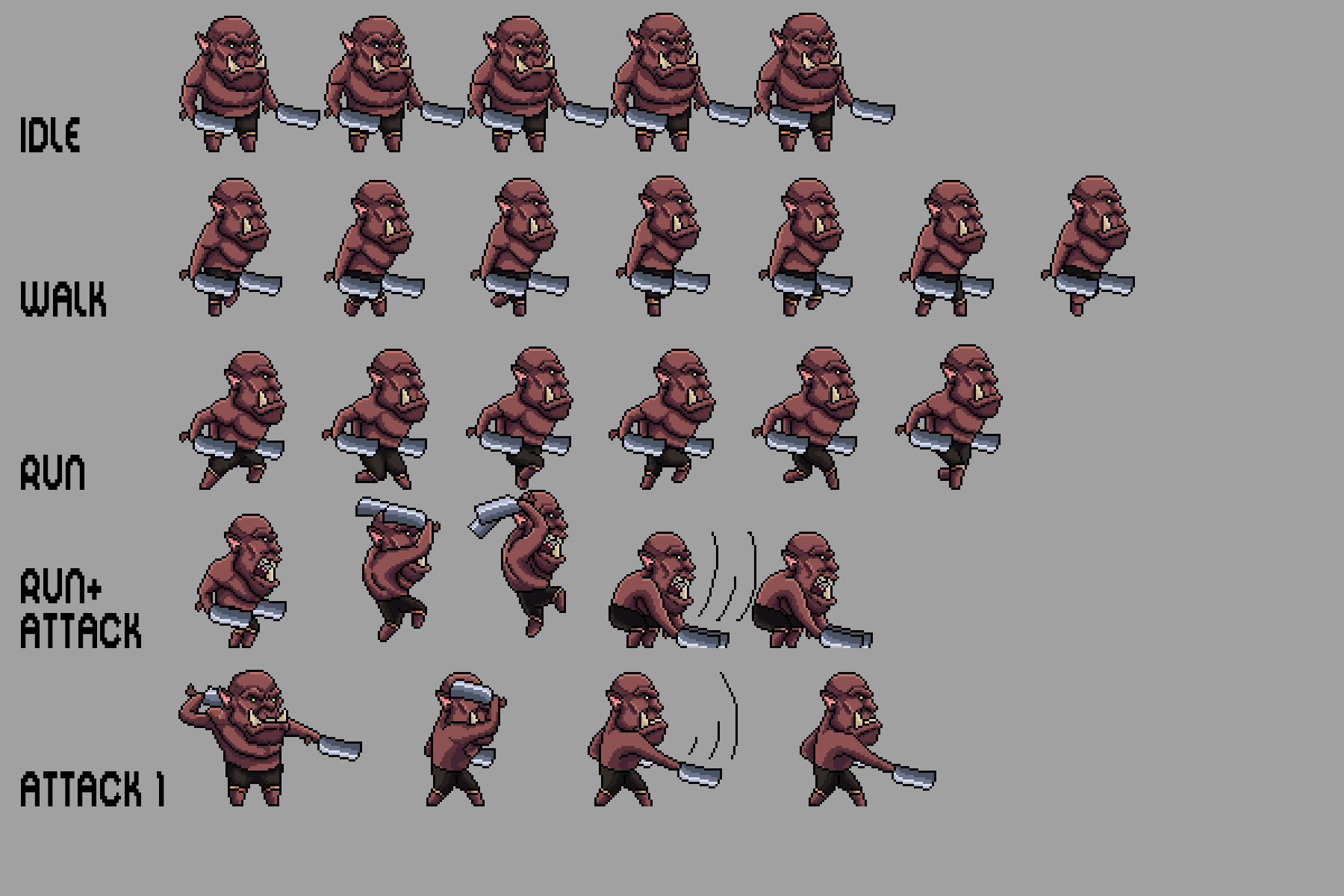
Just used the pool tiles in my latest game, great assets, thanks!
https://glacialdevelopments.itch.io/swimswamswum
can i request for another normal house, not apartement? like literally normal house
hi just bought this ive looked on youtube cant seem to find a video that just explains how to add the tileset to the game database anyone able to explain or give me a link to a good tutorial
Hi I might be a bit late, just case you are still searching you can check this video, it is using Tiled (map editor to create map with tile set.)
Amazing, amazing work. thanks. Now i can create an alive world beneath the Blast-o-Rama floating arenas.
Hi!
I'm trying to find the post office stuff, especially the truck and I think I'm going crazy but I can't find it anywhere. Can you please help me find it in the files? Or was it deleted?
Thank you in advance.
Should be in these folders if that helps:
Modern_Exteriors_32x32\ME_Theme_Sorter_32x32\22_Post_Office_Singles_32x32
yes that helps a lot, thank you! I was looking in an old version that I had downloaded over a year ago. Stupid brain does stupid things. Have a great day!
https://iaftersmile.itch.io/a-normal-day
I made a simple game using this asset. ^^
Such a relaxing game! How did you get that isometric look? Honestly, it’s wallpaper-worthy
Thanks ^^ I used mesh editor in Construct 3.
Do you have a video on how to use the tile? When i draw the tile, there are some black lines in between tile. is it because of I slice the tile wrong? I already use SpriteAtlas still does not work. Please help me.
me too...
Hi if you are still searching for answer, maybe try Tiled (map editor).
I already have this asset pack, but I kinda wanna buy it again because it looks so good:)